-
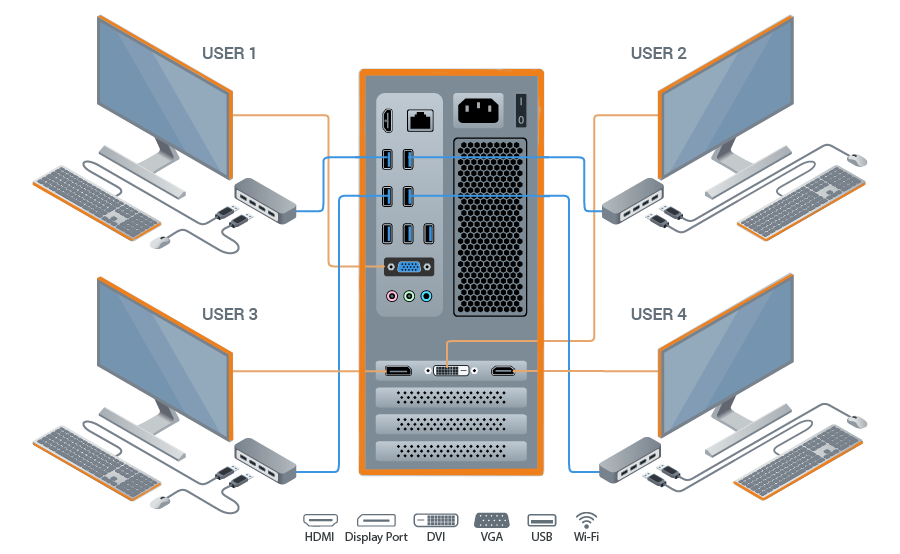
Point+ creates up to 12 independent Windows workplaces on the base of a single PC
Ideal solution for cost-effective computerization in homes, schools, companies, factories, and government organizations

a purely software multiseat solution
Here are some of its key features:
-
Multiple Workstations: Create up to 12 independent Windows workplaces based on a single PC by adding monitors, keyboards, and mice. This is particularly useful for environments like schools, offices, or internet cafes where multiple users need computer access without the cost of additional hardware.
Hardware Efficiency: Point+ supports the use of multiple video cards or even multiple outputs from a single card, enabling each user to have their own display. It’s compatible with VGA, DVI, HDMI, and DisplayPort video cards.
User Experience: Each user operates as if they have their own computer, with individual desktops, taskbars, and system resources. This includes personalized settings and independent operation, ensuring privacy and autonomy for each user.
Resource Allocation: Users can share common hardware resources like printers and scanners while having dedicated peripherals like keyboards and mice. You can also assign specific USB devices to individual users.
Software Compatibility: While Point+ generally supports running multiple instances of software, some programs might not be fully compatible or might refuse to run multiple instances. This can vary depending on the software in question.
-
Ease of Use: The software features a straightforward installation and configuration process. The control panel allows for easy management of devices, video cards, and audio settings for each workplace.
Network Features: Point+ includes networking capabilities like proxy settings, although some users might not utilize these features. It also manages shared IP address usage among the workplaces.
Compatibility with Windows: Point+ is compatible with various versions of Windows from Windows 7 to Windows 11 and Windows Server 2016/2019/2022/2025, offering broad platform support.
Cost-Effective: By reducing the need for additional computers, Point+ offers a cost-effective solution for creating multiple workstations. This is especially highlighted in educational settings or for businesses looking to economize on hardware.
Zero-Client Software: It allows for the creation of zero clients, where virtual desktops can be set up without the need for thin client hardware, further reducing costs and complexity.
Support and Updates: Point+ provides regular updates to ensure compatibility with new Windows builds and to fix bugs. Support options include email help desks and chat.
BENEFITS
-

MONEY SAVING
-

LOW NOISE LEVEL
-

SPACE SAVING
-

EASY TO USE
-

ELECTRICITY SAVING
-

ZERO NETWORK LOAD
-

ECO-FRIENDLY
-

QUICK DEPLOYMENT
-
Point+ v.2.70.2.2 is Released
1. Fixed an issue with monitor management on Windows 11 24H2+/Windows Server 2025.
2. Minor bug fixes.
HOW TO START
-

Read Quick Start Guide
-

Connect additional displays and peripheral devices
-

Download and install Point+ software. Activate the free trial
-

Create and test the additional workplaces
SIMPLE CONNECTION
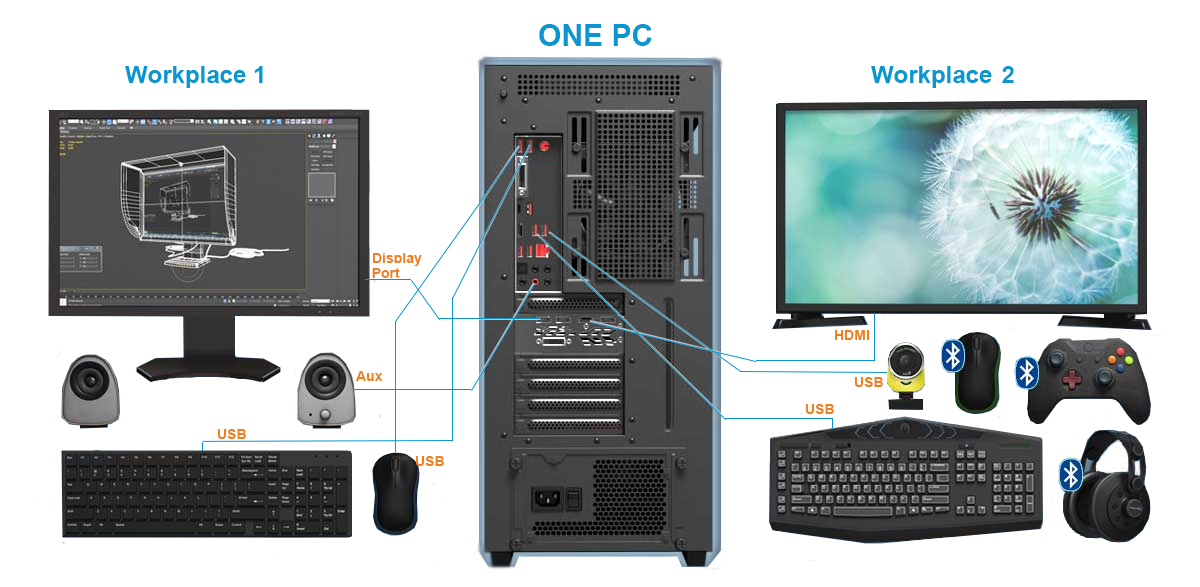
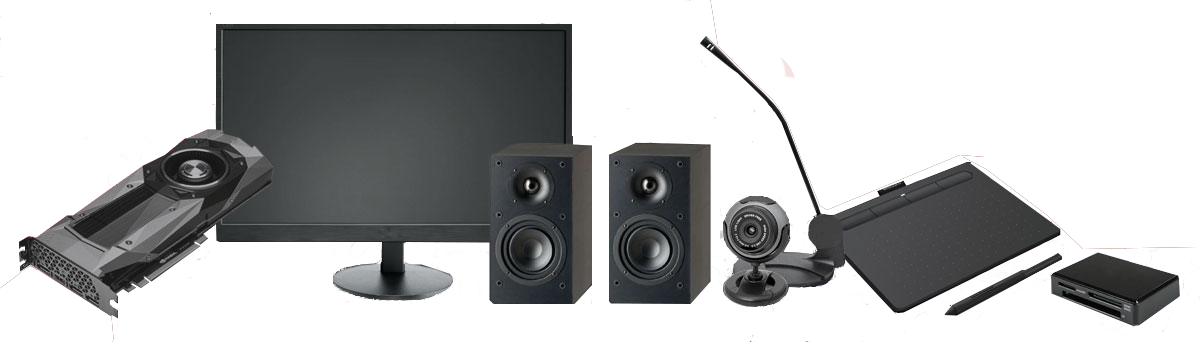
Point+ supports any video cards, monitors, speakers, microphones, webcams, tablets, card readers, and many other devices